


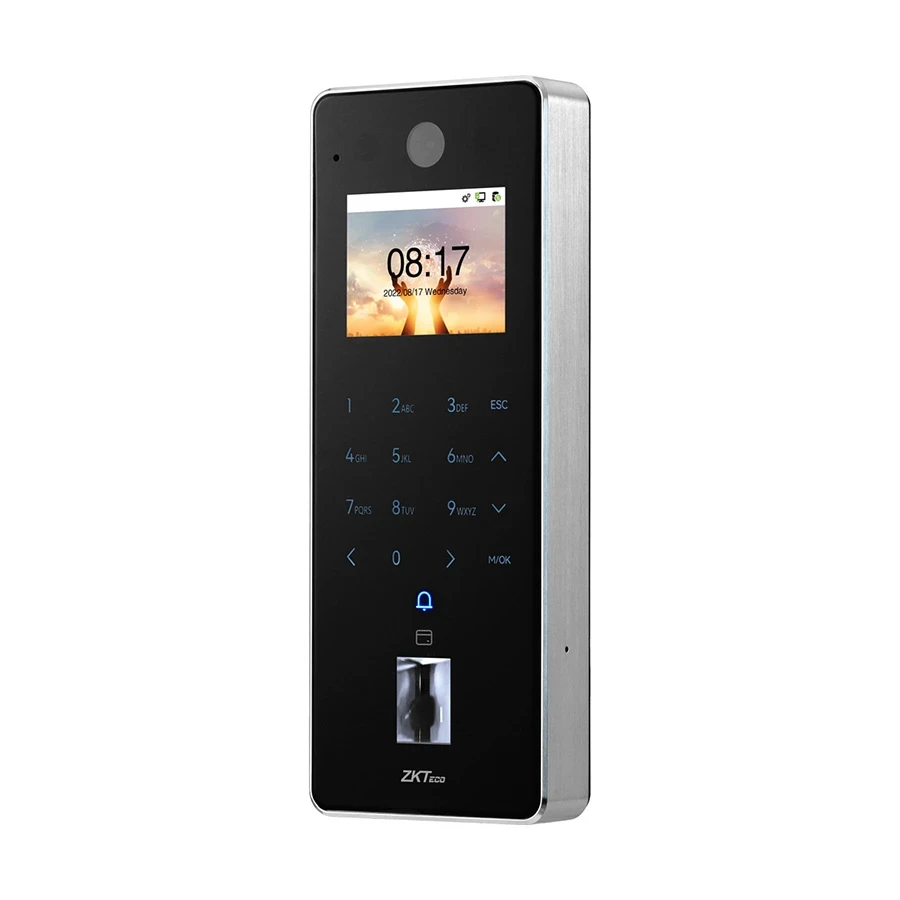
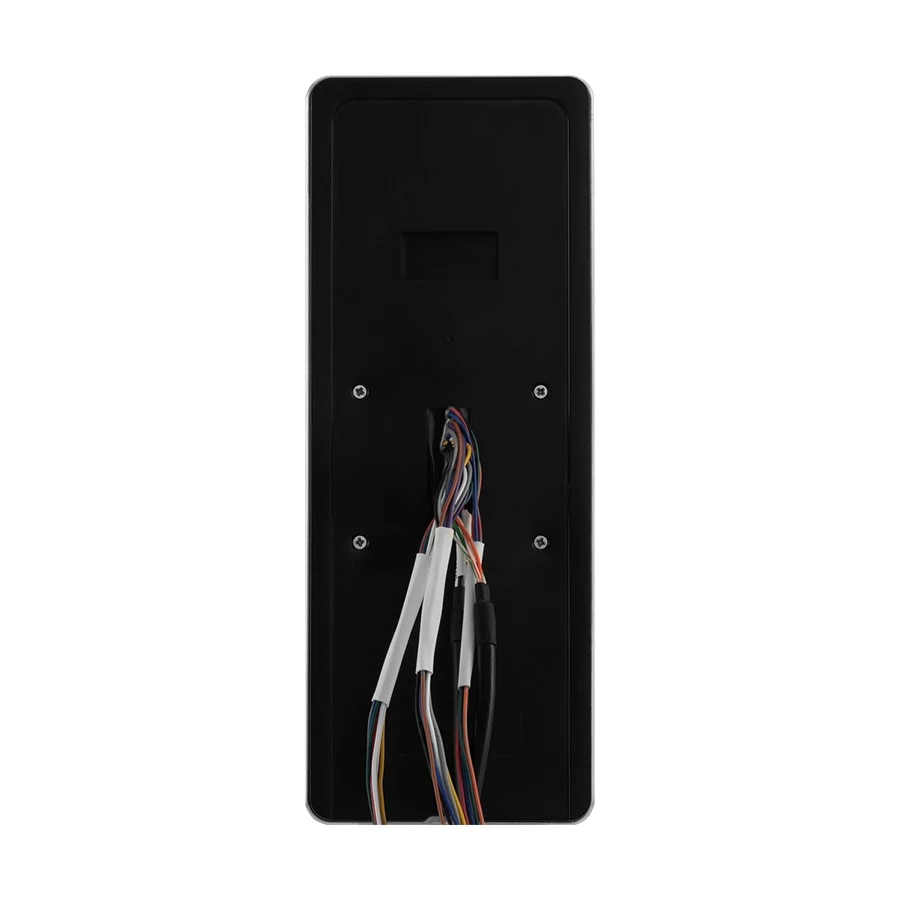

Zkteco F35 Fingerprint Access Control Terminal with Wi-Fi without Adapter
 1 Year (Without Adapter)
Inhouse product



Reviews & Ratings
Features of Zkteco F35 Access Control In Bangladesh
The ZKTeco F35 Fingerprint Access Control Terminal is a cutting-edge solution designed for secure and efficient access management. This advanced device utilizes fingerprint recognition technology to provide a reliable and convenient method for controlling entry to sensitive areas. With built-in Wi-Fi capabilities, the F35 allows for seamless connectivity without the need for additional adapters, making it an ideal choice for modern security setups.
Features and Benefits
Advanced Fingerprint Recognition: The F35 features a high-quality fingerprint sensor that can store up to 3,000 fingerprints. This ensures fast and accurate access control, minimizing wait times and enhancing security. The device's fingerprint recognition technology is highly reliable, significantly reducing the risk of unauthorized access.
Wi-Fi Connectivity: Equipped with built-in Wi-Fi, the F35 allows for easy integration into existing networks without needing extra adapters. This feature simplifies installation and enhances flexibility, making it suitable for various environments, from offices to residential complexes.
User-Friendly Interface: The terminal comes with a clear and intuitive interface, making it easy for users to navigate and manage access settings. This user-friendliness ensures that both administrators and users can operate the device with minimal training.
Buying Guide
Compatibility: Before purchasing the F35, ensure it is compatible with your existing access control systems. Check the specifications and requirements to ensure seamless integration with your infrastructure.
Installation Requirements: Although the F35 features Wi-Fi connectivity, consider any additional installation requirements. Assess your environment to ensure that the device can connect to the Wi-Fi network effectively, avoiding any potential connectivity issues.
User Management: When setting up the F35, plan how to manage user access effectively. The device supports various access levels, so consider how to assign permissions to different users for optimal security.
Maintenance Tips
Regular Cleaning: Keep the fingerprint sensor clean to ensure accurate recognition. Use a soft, lint-free cloth to gently wipe the sensor surface. Regular cleaning will help maintain performance and reliability.
Software Updates: Check for firmware updates periodically. Keeping the software up to date enhances functionality and security, allowing you to benefit from the latest improvements.
Monitor Performance: Regularly monitor the device's performance and connectivity. Address any issues promptly to maintain optimal operation and security standards.
Quick Overview
- Function - ID Card Module, Fingerprint Sensor, Password (Physical Touch Keypad )
- Camera - Yes
- Fingerprint Capacity - 10000
- Face Capacity - No
- Logs Capacity - 500000
- ID Card Capacity - 10000
Frequently Bought Products
Easy Click
Click . Ship . Smile


